This article contains affiliate links. If you buy through them, we may earn a commission at no extra cost to you.
Anyone who prints their own parts, figures or replacement pieces eventually hits the same wall: the thing you want to copy has no model. A 3D scanner solves that, but the range can be confusing. With the Singles’ Day Shopping Sale on 11 November approaching, many people are weighing a purchase, so we compared the scanner pages on the 3DMakerpro store to see which model suits which kind of project.
In short: pick by the size of the objects you scan most often. The Fox is the lighter entry point, the Moose adds accuracy and range, and the Turtle covers the widest span of sizes by swapping modules.
Start with the size of what you scan
Scanners are built around a working range. A jewelry-size object needs fine detail at close distance, while a bumper or a chair needs reach. 3DMakerpro splits its handheld line into small, medium and large object ranges, and the store has a scanner comparison page that lines the models up side by side.
Before reading specs, write down your three most common subjects. If they are figurines and small mechanical parts, a medium-format scanner is enough. If they range from rings to furniture, a modular system makes more sense.
Turtle: one host, three modules
The Turtle is described by the brand as the first modular, swappable 3D scanner. One host unit takes an S module for small detail work such as jewelry and dental pieces, an M module for figures and parts, and an L module for large items like furniture or automotive parts.
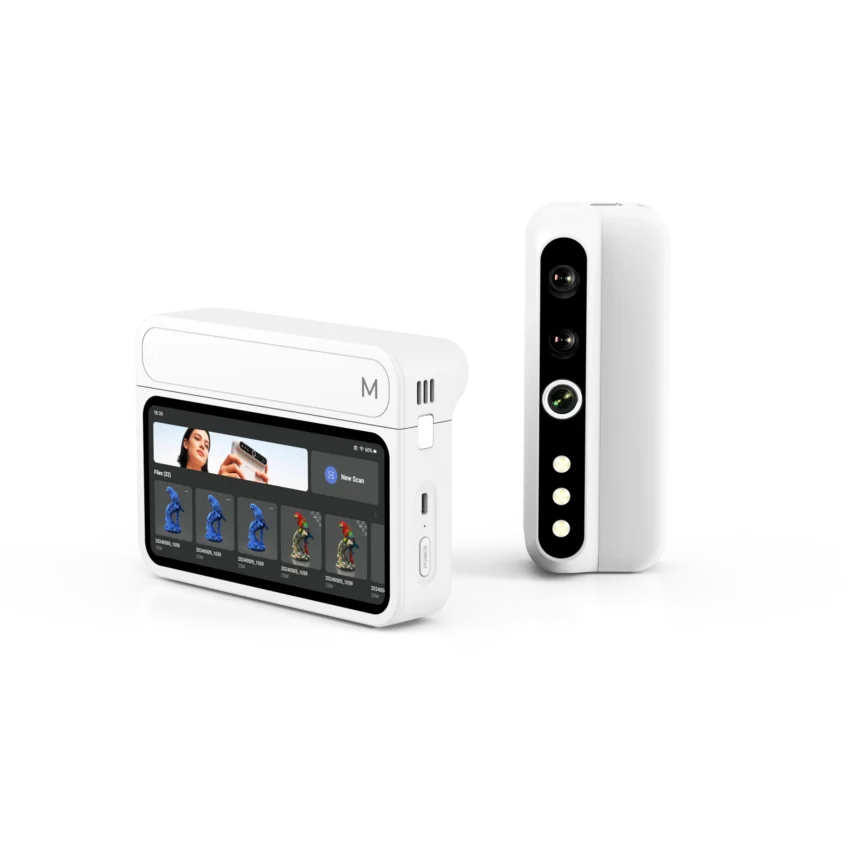
It scans wirelessly and has a 2.3MP sensor, up to 30 fps when connected to a PC, and a placement-free workflow, meaning no markers to stick on the object. An optional Control Pad adds a 6.4-inch 2K touchscreen so you can process scans on the device itself, without a computer.
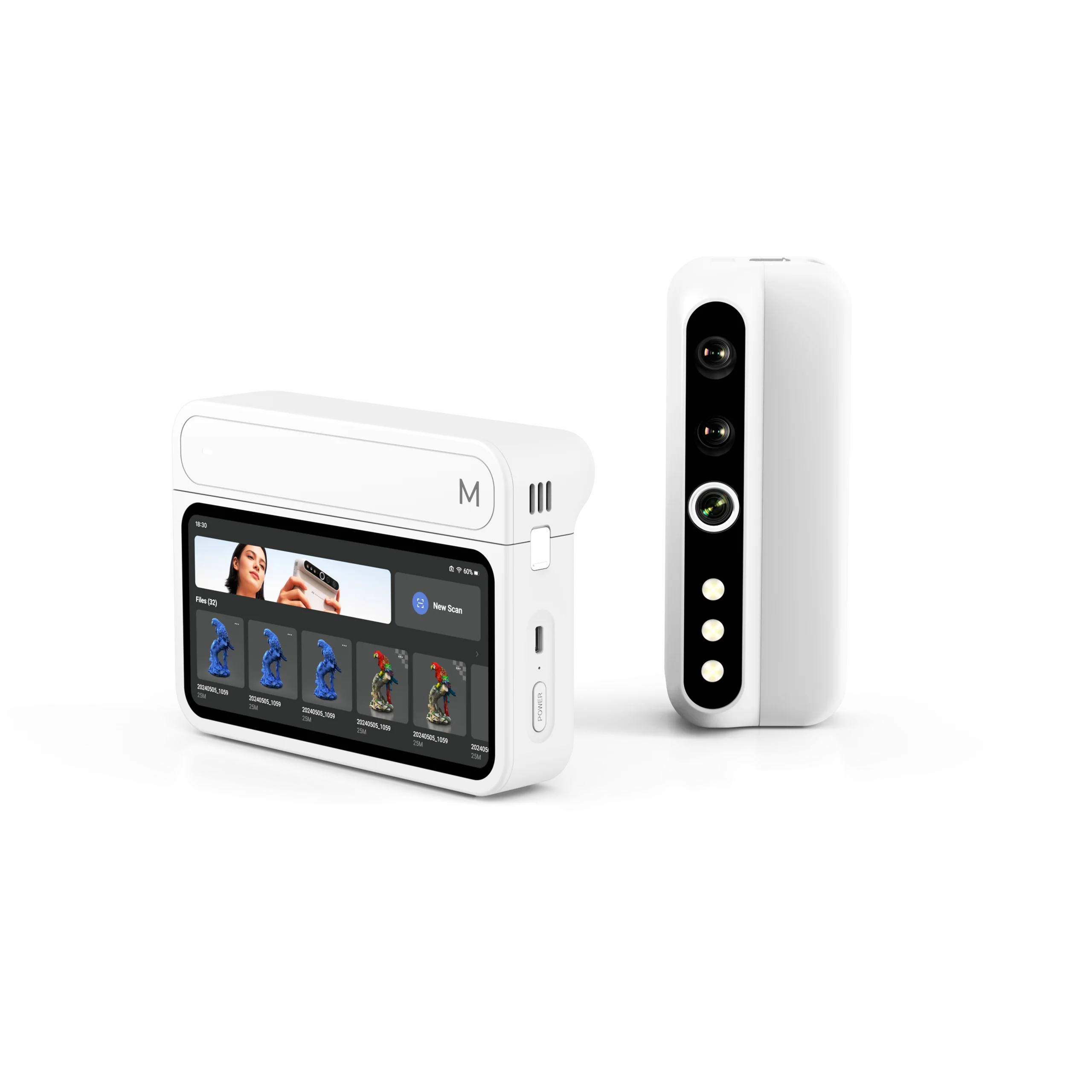
The trade-off is planning: you choose which modules and whether to add the Control Pad, and the store offers several bundles of two or three modules. That flexibility is the point, but it also means more decisions than a single-body scanner.
Check the current price of the Turtle
Fox: the lighter entry point
The Fox is labelled an entry-level medium-format scanner. The listed specs are 0.07mm accuracy, a weight of 210g and a scanning range from 40mm to 1200mm, with AI-assisted tracking that is meant to recover if the scanner loses its position.
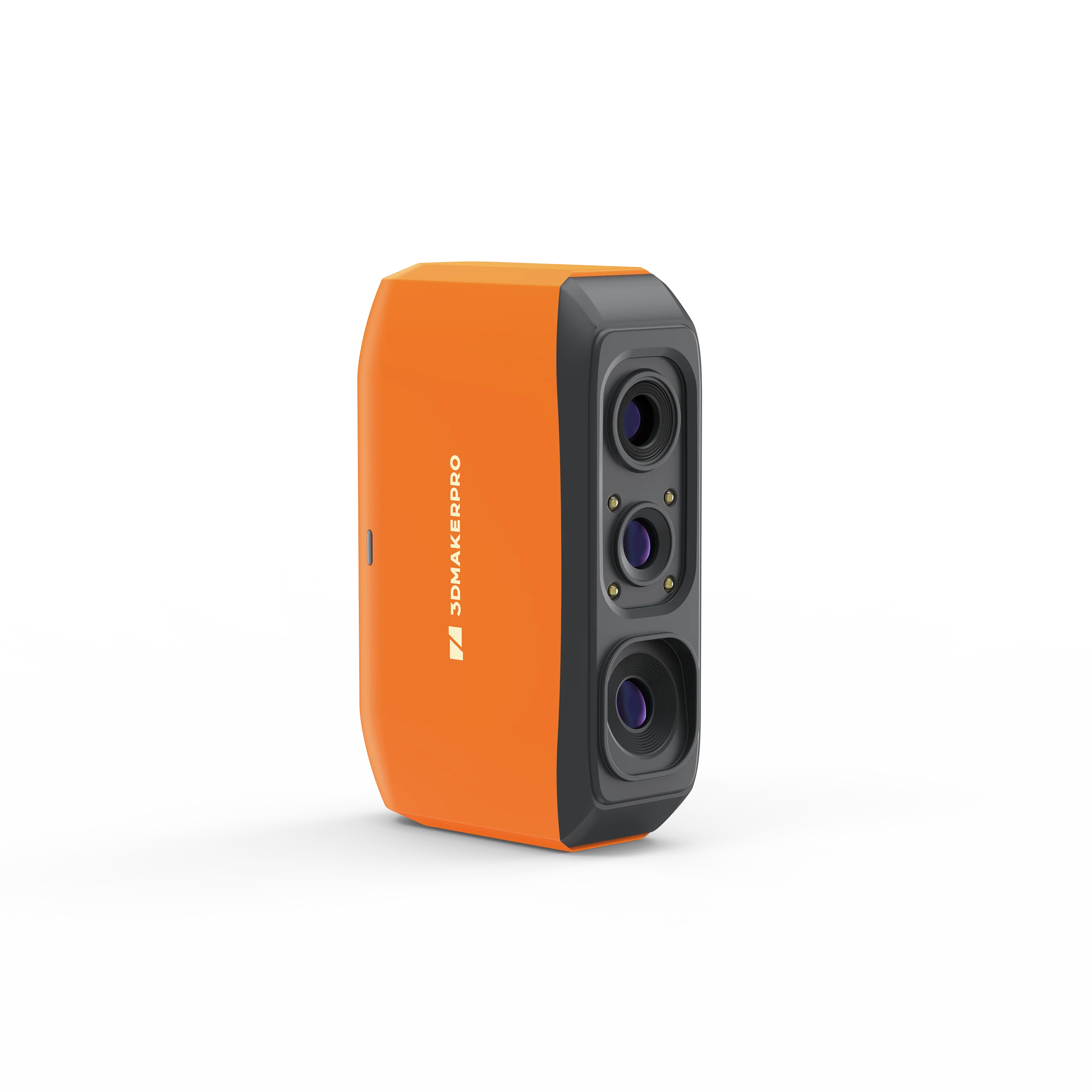
It uses a near-infrared light source, which suits dark matte objects, and it adds a one-click clean-up for messy scans. For first-time scanners the useful part is the software: 3DMakerpro offers its JMStudio software free of charge for its scanners, and the Fox has add-ons such as a Smart Grip, a basic turntable and a scanning spray for shiny or transparent surfaces.
Moose: more accuracy and range
Step up to the Moose and the numbers tighten: 0.03mm accuracy, 0.07mm resolution and a range from 15mm to 1500mm, with AI visual tracking. The store also sells a Moose Lite variant and offers standard, premium and luxury combos with accessories such as a carry bag.
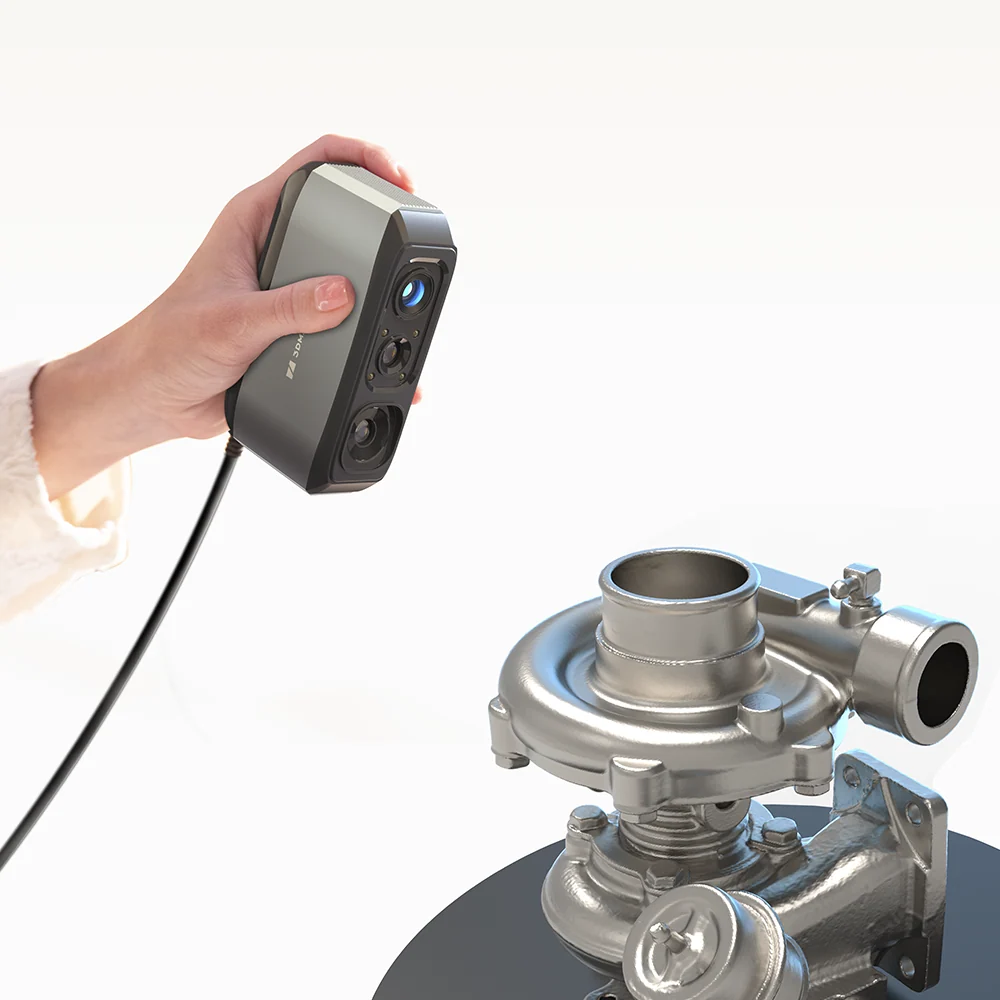
The product photo shows it capturing a metal turbocharger, which fits the brand’s focus on reverse engineering and mechanical parts. If you plan to copy or modify functional components, the extra accuracy is the reason to consider it over the Fox.
Check the current price of the Moose
Toucan: when you do not want a computer in the loop
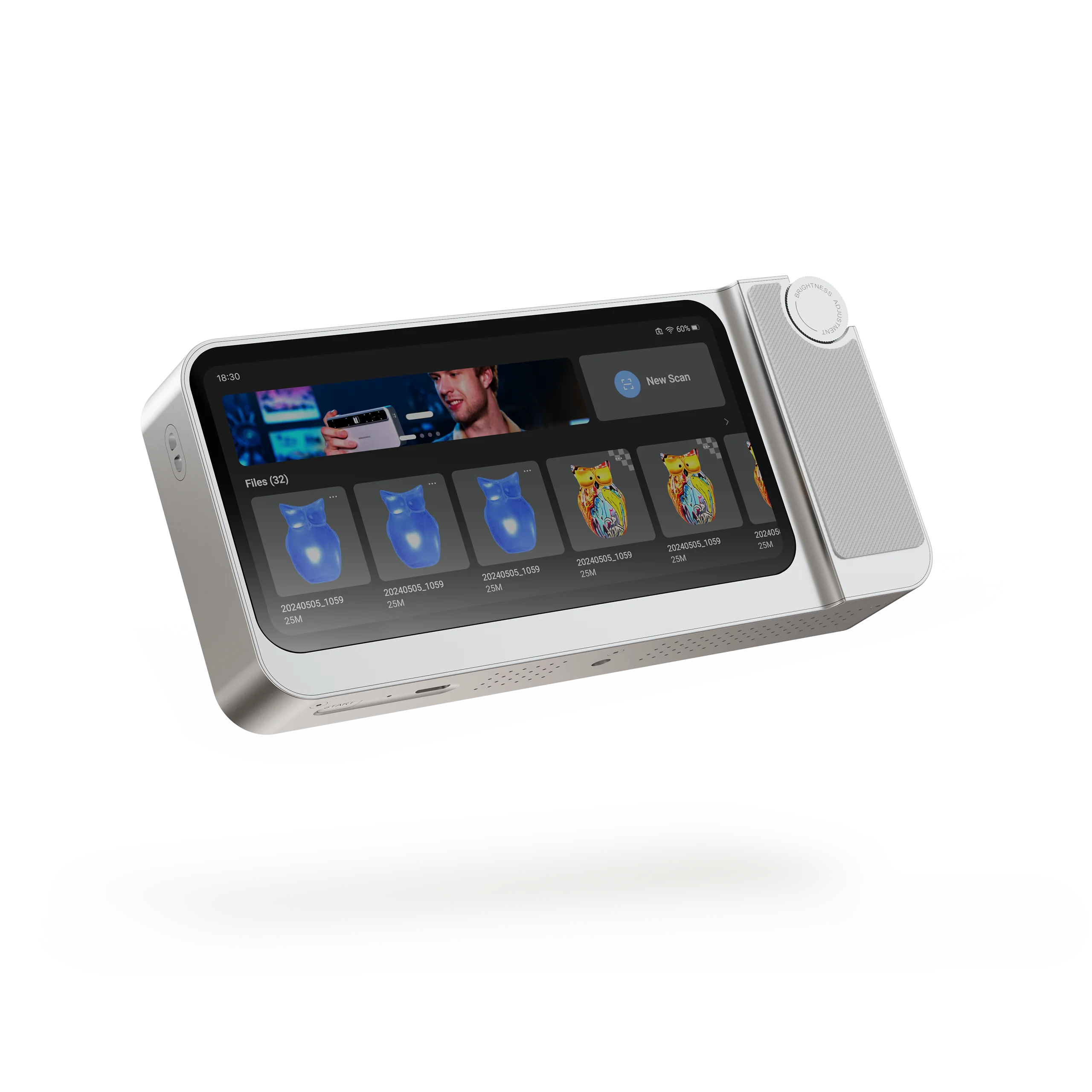
The Toucan is the wireless all-in-one model, with an HD touchscreen, 48MP RGB cameras and 0.03mm scanning accuracy. It offers continuous and photo scan modes, a quick capture button and a damping wheel for zoom, aimed at going from scan to model without a PC.
Whichever model you favour, the workflow after scanning is similar: capture the object, clean the mesh in the scanning software, export it, and send it to your slicer. That is why the free software matters as much as the hardware, and why a scanner with good tracking saves more time than one with a slightly higher headline number.
Why the Singles’ Day sale is a good moment to plan
Singles’ Day is a natural point to compare options, because scanners are considered purchases and it pays to decide the model before browsing. The 7-day no-reason return window, 2-year warranty and lifetime over-the-air updates make a comparison worthwhile whenever you buy.
Use the sale period to settle three questions: which object size matters most, whether you want PC-free scanning, and which accessories you actually need. Then check the live prices on the store.
It also helps to think about the surroundings. A small desk with a turntable suits the Fox or Moose for figures and parts. A workshop where you scan bulky items suits the Turtle’s L module. A shared space where a laptop is inconvenient suits the Toucan. Matching the scanner to the place you will use it avoids the most common regret: owning a capable device that stays in its box because setup feels like a chore.
Check prices for the Singles’ Day Shopping Sale
Service, software and limits to check first
Read the store’s warranty and refund policy before ordering. It covers defects in materials and workmanship, and says affected items are repaired, exchanged or refunded; damage from misuse or accidents is excluded, and products are returned for evaluation.
One honest limit: this is a global store rather than a UK-specific one, and import duties and taxes differ by country, with shipping costs shown at checkout. If you are in the UK, check the final total there before you commit. Also remember that handheld scanning has a learning curve: shiny, transparent or very dark objects usually need spray or careful lighting, whichever model you choose.
Our recommendation by use case
- Figures, props and hobby prints, tight budget of effort: the Fox.
- Mechanical parts and reverse engineering: the Moose, for its tighter accuracy figures.
- Everything from rings to furniture: the Turtle, if you accept choosing modules.
- Scanning away from a computer: the Toucan.
For most newcomers we would start with the Fox or Moose and add accessories only when a real project demands them. A treat-yourself purchase works best when it matches a project you already have in mind.